
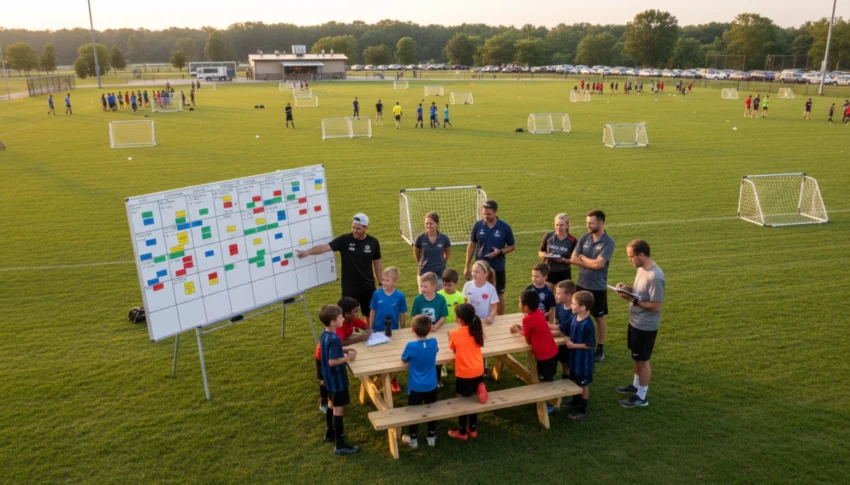
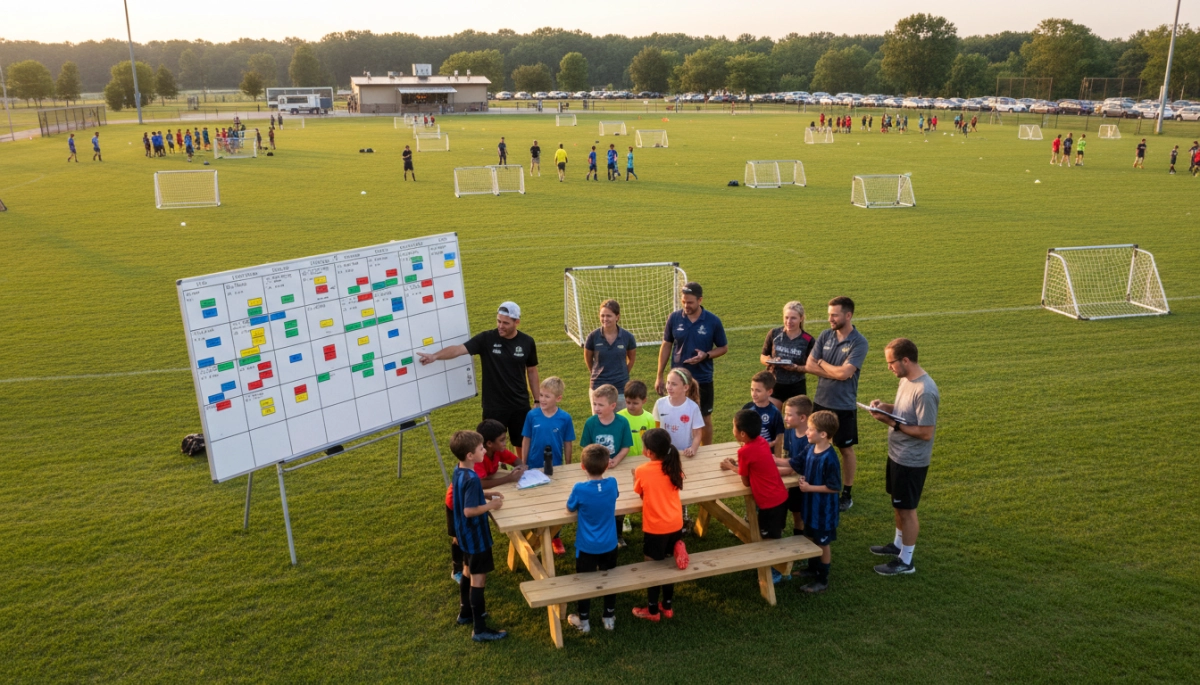
Why a clear, realistic schedule keeps your youth tournament on track
You want teams to play on time, referees to be ready, families to plan their day, and volunteers to stay sane. A well-designed schedule is the backbone of that experience. When you build a schedule that reflects field availability, age-group needs, rest requirements, and realistic turnaround times, you reduce delays, minimize conflicts, and create a more enjoyable tournament for everyone.
Start by thinking about the outcomes you care about: fairness in game spacing, efficient field usage, and an easy-to-follow timetable for coaches and parents. With those priorities in mind, you can avoid last-minute scrambling and reactive fixes on event day.
Identify constraints and set scheduling priorities before you draw a grid
List the hard limits you must honor
- Field count and hours: How many playable fields do you have, and what are their usable hours? Note any restrictions from the venue (lights, noise curfews).
- Team numbers and brackets: How many teams per age group? Are you running pools, single elimination, or round-robins?
- Game duration and halftime: Youth matches vary by age — know exact minutes per half and halftime length.
- Rest and safety rules: Local leagues often require minimum rest periods between matches; include travel time between fields for teams.
- Referee and volunteer availability: You can’t schedule more simultaneous games than your staffing allows.
Prioritize what matters most
Rank your goals so trade-offs are clear when conflicts arise. Examples of common priorities:
- Equal rest between games for fairness.
- Minimal field idle time for efficiency.
- Predictable start times for families and referees.
Knowing which goal you favor helps you choose between a tighter schedule (more games per field) and a more relaxed one (extra buffer time). A strict efficiency focus often increases the risk of cascading delays; a conservative approach reduces that risk but may require more fields or a longer event window.
Build a practical schedule framework you can refine
Calculate match windows and buffer time
Turn game length into a workable block: match time + halftime + warm-up + buffer. For example, a 2 x 25-minute match plus a 5-minute halftime and a combined 10-minute warm-up/buffer becomes a 65-minute block. Use that block to fill each field’s day.
Create a simple field grid and staffing plan
- Map time slots across fields (Field 1: 8:00–9:05, Field 2: 8:00–9:05, etc.).
- Assign teams to slots, ensuring minimum rest rules are met between their games.
- Pair each match with a referee and a volunteer for check-in/scorekeeping.
Finally, plan how you’ll publish the schedule (printouts, website, app) and how you’ll handle last-minute changes. With this framework in place, you’re ready to convert it into a detailed match-by-match timetable and contingency plans in the next section.
Turn your framework into a match-by-match timetable
Now translate your block-based framework into a minute-by-minute schedule so coaches, referees, and families know exactly when and where each match happens. Work left to right across your field grid and top to bottom through the day, keeping these practical points in mind:
- Sequence by team convenience: Where possible, avoid scheduling a team to finish on one field and start on another immediately. If travel between fields is significant, give an extra 5–10 minute buffer for that particular transition.
- Stagger start times: Offset age-group start times by 10–15 minutes to reduce parking congestion and lines at check‑in. For example, U8 pool games at 8:00, U10 pools at 8:10, U12 at 8:20.
- Manage byes and uneven brackets: Place bye slots early in the day or immediately before a lunch break to minimize long idle periods for teams with fewer games.
- Plan finals with audience flow in mind: Schedule older or higher-stakes finals later in the day and reserve the most visible field for championship matches. Allow extra warm-up time and a clear ceremony window if trophies are presented.
- Use clear identifiers: In your published timetable use columns for Date, Field, Time, Age Group, Home Team, Away Team, Referee, and Notes (e.g., “extra 5 min travel”). This makes scanning and filtering easier for volunteers and visitors.
Before publishing, run a quick sanity check: scan each team’s sequence to verify minimum rest is met, ensure no referee is double-booked at the same time, and confirm your busiest field does not exceed its daily match capacity. Export the schedule to PDF for printing and to a spreadsheet or event app for live updates.
Build contingency plans for common disruptions
Even the best schedules need backup. Prepare simple, well-documented responses to the most likely problems so your team can act fast without debate.
- Weather delays: Define a clear policy ahead of time (who decides to delay/cancel, how long you wait, at what point shortened matches are used). Communicate thresholds to referees and coaches: e.g., “If lightning is within X miles, suspend play for Y minutes.”
- Field damage or loss: Identify alternate fields nearby and build a contingency grid that shows how you’d compress play (shorten halves slightly, combine pools, or extend the day if lights are available).
- Referee shortages: Maintain a “floating ref” roster and plan for split-off games (two shorter matches back-to-back on a single field if needed). Cross-train reliable volunteers to handle administrative duties to free referees for assignments.
- Team no-shows: Have a policy for walkovers and for filling open slots (e.g., allow friendly scrimmage to preserve warm-up and parent satisfaction).
Document every contingency as a one-page cheat sheet for your operations lead and placement at the volunteer tent. When a disruption happens, announce the decision broadly via PA, website/app update, and SMS (if you offer it) using an agreed template so everyone receives the same information at once.
Communicate the schedule clearly and manage day-of operations
Clear, redundant communication prevents confusion and empowers volunteers. Use three channels at a minimum: printed boards on site, a mobile-friendly schedule online, and in-person volunteer briefings.
- Volunteer briefings: Hold a quick 15-minute huddle at opening to walk through schedule highlights, contingency cues, contact numbers, and where to find printed updates.
- On-site signage and information points: Post a master schedule at each parking entrance, at the tournament HQ, and at the fields. Include a live-updates board for any changes.
- Real-time updates: Use an event app or a single web page you can edit quickly. Timestamp every update and keep a “version” label so coaches know they’re viewing the latest timetable.
- Centralized command: Designate one person as schedule decision maker. All change requests go through that person to avoid conflicting announcements.
With a clear timetable, rehearsed contingencies, and redundant communications, your tournament can absorb hiccups and keep running smoothly. The next part will show tools, templates, and sample schedules you can copy and customize for your event.
Final steps to run a successful tournament day
On event day, lead with calm, keep decisions centralized, and prioritize the player experience over perfection. Trust the prep you’ve done: use your printed master schedule, keep the communications channels open, and empower your designated schedule decision maker to make quick calls when minor adjustments are needed. Take notes during the day — what caused delays, which fields worked best, and where volunteers needed extra support — so your next tournament runs even smoother.
If you want ready-made templates and tools to speed setup, check out these tournament planning resources to adapt for your event.
Key Takeaways
- Design realistic time blocks and buffer zones to prevent cascading delays.
- Centralize schedule decisions and communicate updates through multiple channels.
- Prepare simple contingencies, document them, and capture lessons learned for next time.