

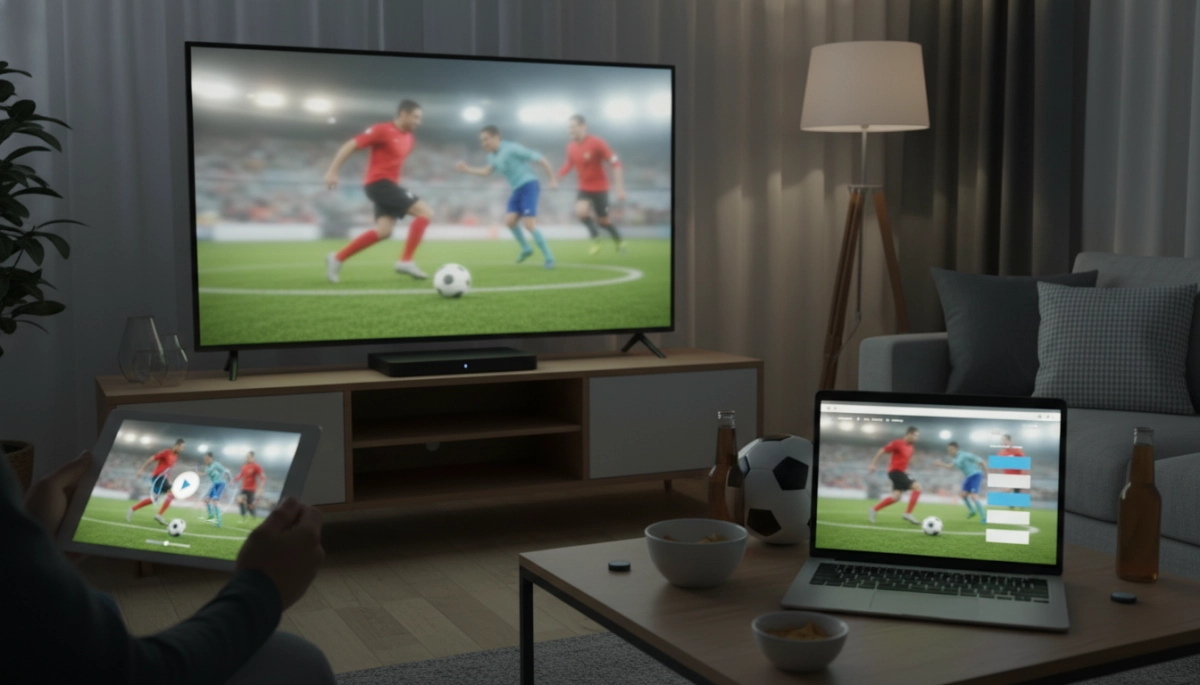
Where to start when you want to watch the championship live
You’re excited for the match, but with so many broadcasters, apps, and streaming sites, it’s easy to feel overwhelmed. Start by checking which broadcaster holds rights in your country—official rights determine the most reliable and legal ways to stream. If you’re traveling or living abroad, the rights may differ and you’ll need an alternative (legal) option, such as an international sports network or a subscription streaming service that carries the tournament.
Before you pick an app or site, consider your priorities: picture quality, multi-device support, commentary language, price, and whether you want extras like replays, alternate camera angles, or condensed highlights. Knowing which criteria matter to you will steer you toward the right platform.
Types of streaming options and when to choose them
Official broadcaster apps and websites
Official broadcasters (national networks or dedicated sports channels) usually provide the most reliable streams and the best quality. These apps often include pre-match analysis, halftime programs, and post-match highlights. If you have a cable or satellite subscription, you may get free access through the broadcaster’s app or website by signing in with your TV provider credentials.
Subscription streaming services (OTT platforms)
Over-the-top (OTT) services like global sports platforms or general streaming providers sometimes acquire tournament rights. These platforms are a good fit if you want multi-device access, cloud DVR, and consistent HD streams. Subscriptions can be monthly or seasonal, and some offer free trials—useful for watching a short tournament without long-term commitment.
Free and ad-supported streams
Some broadcasters offer free, ad-supported live streams in specific regions. They’re a cost-effective choice, but expect more ads and occasional lower bitrates. Verify the stream’s legitimacy: official broadcaster streams will appear on recognized network domains or their verified apps.
International feeds and VPN use
If you’re outside your region and can’t access your usual broadcaster, international feeds or services in other countries may carry the match. A VPN can help you reach region-locked streams by routing your device through a server in the rights-holding country. Remember to check terms of service and local laws—using a VPN is allowed in many places but may violate certain platforms’ terms.
- Tip: Prefer apps with native casting (Chromecast, AirPlay) or built-in TV apps for a living-room experience.
- Tip: Check bandwidth recommendations—live HD typically needs 5–8 Mbps; 4K may require 15–25 Mbps.
- Tip: Look for platforms offering simultaneous device streams if you plan to share access.
With these options and considerations in mind, your next step is to compare specific apps and sites—covering pricing, device compatibility, stream reliability, and how to set up accounts and devices for match day.
Which apps and sites to try (and when they’re best)
Pick platforms based on what matters most—coverage, cost, device support, or extras like multi-angle replays. Below are typical categories and when each makes sense:
– National broadcasters and their apps: Best for full pre/post-match coverage, local commentary, and reliable high-bitrate streams. Ideal if you already have a cable/satellite login or want the official feed and studio programming.
– Dedicated sports streamers (DAZN-style services): Great when you want consistent sports-centric features—multiple games, split-screen, and advanced stats. Good value if you follow many competitions year-round.
– General OTT platforms (global streamers that carry sports): Choose these for cross-device support, cloud DVR, and bundles with entertainment content. They suit households that want one subscription for both TV shows and live sports.
– Free/ad-supported services: Use them when cost is the priority. Expect more ads and occasionally lower bitrate; always confirm the stream is the official feed to avoid illegal sources.
– Regional/international streaming platforms: Helpful if you’re abroad and need commentary in a specific language or regional pre/post coverage. Combine with a legal solution for access if rights allow.
Practical selection tips:
– Check device compatibility lists before subscribing—some services limit simultaneous streams or don’t support smart TV apps.
– Read recent reviews for stream reliability; tournament-time load can affect even major platforms.
– Use trial periods strategically: sign up and test during a less-important match to verify picture, login flow, and casting before the big game.
– Keep payment details and subscription cancellation steps noted—seasonal subscriptions can auto-renew.
How to prepare your devices and network for match day
A little prep eliminates last-minute stress. Follow this checklist the day before and again 30–60 minutes before kickoff:
– Update apps and firmware: Open your chosen streaming app and any casting/TV apps, install updates, and reboot the device. Update smart TV or streaming-stick firmware too.
– Pre-login and test: Log into the account, load a live feed or recent replay, and confirm video/audio quality and commentary language. If using a TV provider login, verify credentials.
– Prefer wired connections: Plug your TV or streaming box into Ethernet for the most stable stream. If using Wi‑Fi, use 5 GHz and position the router close to the device.
– Reserve bandwidth: Pause large downloads, cloud backups, and other streaming in the household during the match. Consider setting QoS on your router to prioritize the streaming device.
– Backup devices and plans: Have a second device (tablet/phone/laptop) signed in and ready, and note an alternative official stream or radio commentary in case the primary feed has issues.
– Power and accessories: Charge controllers/phones, check HDMI cables, and test Chromecast/AirPlay. Keep a spare HDMI cable and an outlet adapter handy.
Quick fixes for common streaming problems
If the stream hiccups, try these rapid remedies:
– Buffering/low quality: Switch to a lower resolution in the player, or refresh the stream. If on Wi‑Fi, move closer to the router or switch to Ethernet.
– App won’t load or errors: Force-close and reopen the app, sign out and sign back in, or clear the app cache. Reboot the device if needed.
– Audio/video out of sync: Switch audio outputs (headphones vs TV speakers) or restart the stream; toggling the player’s mute can also resync many apps.
– Login failures: Verify subscription status and payment method. If locked out, use the provider’s “forgot password” flow and have ID/email ready for support.
– Blackouts or geoblocks: Confirm rights in your region and use an alternate official broadcast available to you. Avoid unlicensed streams—risk of malware and poor quality.
Keep support contacts (in-app chat, social handles) bookmarked, and have at least one backup official source ready. With preparation and these quick fixes, you’ll reduce the odds of missing the decisive moments.
Enjoy the match — final tips
You’ve prepared devices, picked a reliable stream, and set a backup plan—now the only thing left is to enjoy the game. Keep your primary device plugged in or charged, mute unnecessary notifications, and gather any snacks or company you want. If you need last-minute broadcast info or official partner lists, check the official tournament site for updates and regional rights holders. Above all, focus on the moments on the pitch and the shared excitement that makes live soccer special.
Key Takeaways
- Choose official, rights-holding streams for best quality and legal protection.
- Test devices, connections, and logins before kickoff and have a backup source ready.
- Prioritize wired or strong 5 GHz Wi‑Fi, and pause other bandwidth-heavy activities during the match.