
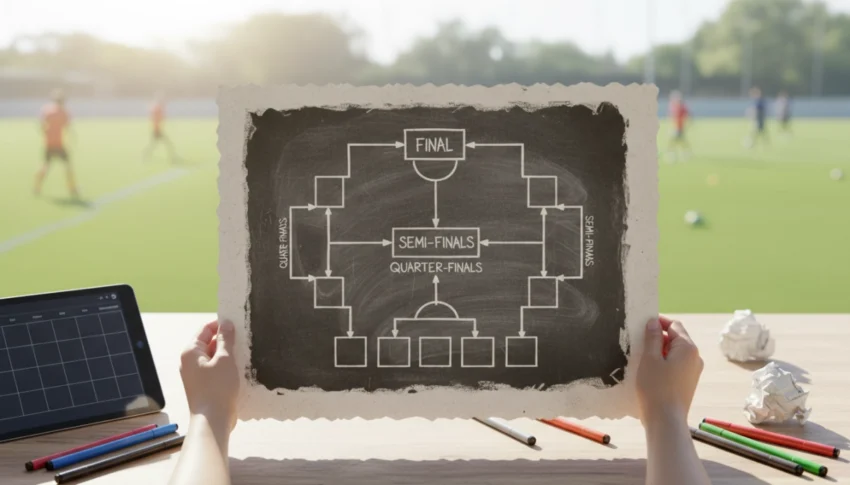
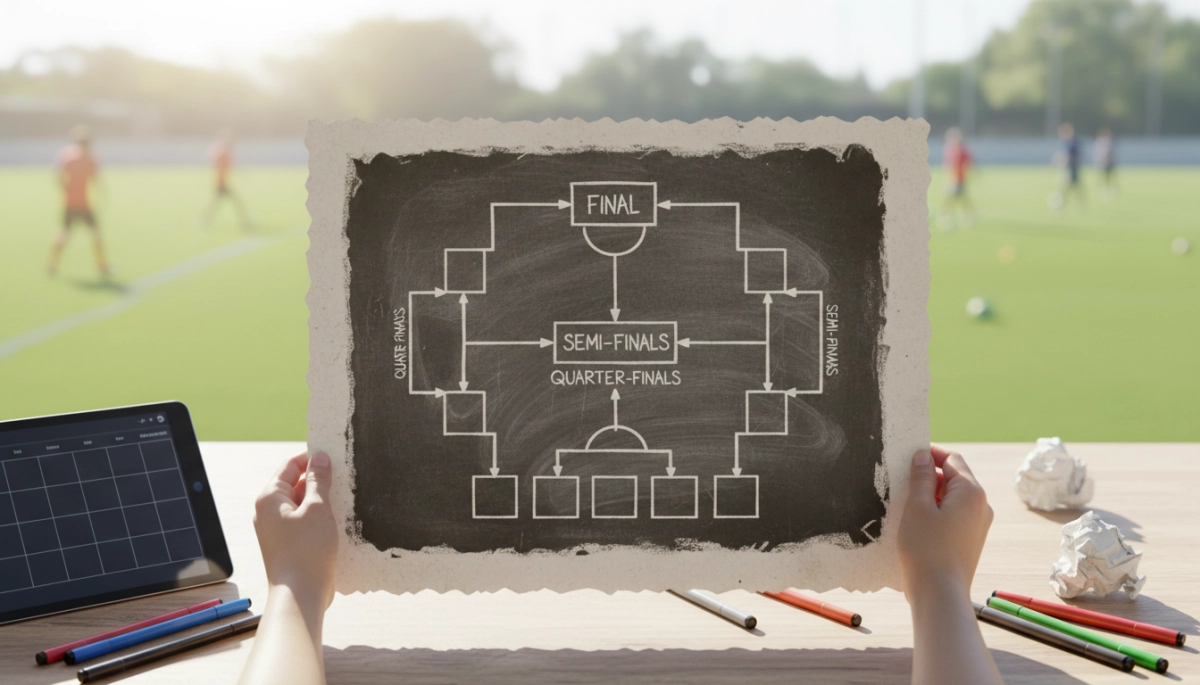
Organize your soccer tournament quickly with a free bracket generator
You want a smooth, professional-looking tournament without spending hours on spreadsheets. A free soccer tournament bracket generator gives you a fast way to set up matchups, manage seeding, and produce printable PDFs for coaches, referees, and scorekeepers. Whether you’re running a weekend youth league, an informal community cup, or a school tournament, a good generator reduces mistakes and keeps everyone informed.
In this part you’ll learn which bracket formats suit different events, what customization options matter most, and why exporting to a PDF is the best choice for consistent printing and distribution.
Pick the right bracket structure for your event
Choosing an appropriate bracket format is the first practical step. The bracket format determines how many matches you’ll play, how long the event takes, and how teams progress. Use these guidelines to match format to your needs:
- Single elimination: Best for time-limited tournaments. Teams play until they lose; efficient but unforgiving.
- Double elimination: Gives teams a second chance and creates more matches—ideal when you want fairer rankings without round-robin complexity.
- Round robin: Each team faces all others; best for small divisions and when total play time isn’t an issue.
- Pool play + knockout: Combine group stages with a final knockout bracket to balance multiple games per team with a clear champion.
- Custom sizes: Generators handle non-power-of-two team counts by adding byes or play-in matches—choose how you want to distribute byes.
When you use a generator, you’ll usually set the number of teams, decide if you want seeding, and choose whether to include consolation matches for placement. Think about field availability, age brackets, and minimum guaranteed matches per team to guide your choice.
Customize displays and produce printable PDFs
A good bracket generator lets you customize layout and export options so printed materials are clear and durable. Focus on a few key settings:
- Orientation & paper size: Choose portrait or landscape and standard paper sizes (A4, Letter) depending on how many rounds you display per page.
- Fields for info: Add team names, coach contact, kickoff times, field numbers, and a place for scores to be written.
- Visual clarity: Pick font sizes and line weights that remain readable when printed and consider color or grayscale options for ink savings.
- Export quality: Use high-resolution PDF export to avoid blurred text and ensure consistent margins across printers.
After configuring these options, generate the bracket and download the PDF. You can print handouts for each field, post large-format brackets at a central notice board, or email PDFs to teams. In the next section, you’ll get step-by-step instructions on seeding teams, adjusting schedules, and exporting multi-page PDFs for complex tournaments.
Seed teams and finalize bracket order
Seeding determines early matchups and can shape the whole tournament. Use a clear method and document it so teams understand how pairings were made. Follow these practical steps:
- Choose a seeding method: Options include random draw, league standings, regional qualifiers, or coach/rating-based seeding. For mixed divisions, consider serpentine (snake) seeding to balance groups.
- Prepare seed data: Gather final standings, point totals, goal differential, or any head-to-head tiebreakers you’ll use. Enter these into the generator so seeding happens automatically.
- Handle non-power-of-two entries: Decide whether to assign byes to top seeds, add preliminary play-in matches, or use a pool stage to filter teams into a power-of-two knockout. Whatever you pick, make it explicit in the rules.
- Set consolation and placement matches: If you want full rankings (3rd/4th, 5th–8th), add consolation brackets now so the generator schedules those slots and fields.
- Lock and review: Once seeds are set, lock the bracket to prevent accidental reshuffling. Do a quick check for obvious problems—same club teams meeting too early, repeated matchups from pool play, or excessive travel between fields.
Tip: If you’re uncertain about exact rankings (late registrations, disputed results), seed provisionally and keep a simple procedure for last-minute adjustments—announce a cut-off time for seeding changes and record any manual edits in the tournament notes field so referees and coaches see them on printed brackets.
Adjust schedules, assign fields, and avoid conflicts
Schedules are where logistics meet reality. A good bracket generator will let you assign start times, field numbers, and match durations. Use these checks to keep the day on track:
- Set realistic match lengths: Allow for pre-game warmups, halftime, and a small buffer between matches (5–15 minutes depending on age group and turnaround complexity).
- Stagger start times: If you have limited referees or want teams to cover multiple matches, stagger starts across fields so no referee or team needs to be in two places at once.
- Rest and fairness: Ensure teams have minimum rest between games, especially in youth divisions. Configure the generator to avoid back-to-back matches on different fields for the same team.
- Field-specific notes: Mark turf vs. grass, dimensions, and any lighting constraints in the field info so coaches know what to expect. Include directions or a small map link in the PDF if the venue is large.
- Plan for delays: Have a contingency plan for weather or overtime: which matches can be shortened, which placements can be decided by penalties, and how to communicate changes quickly.
Before finalizing, run a “conflict check” in the generator: verify no team, referee, or field is double-booked. Export a draft schedule and circulate it to team reps for a short review window to catch registration errors or unexpected requests.
Export multi-page PDFs and prepare polished handouts
When your bracket and schedule are set, export PDFs tailored to different audiences—scorekeepers, field marshals, coaches, and a public board. Use these practices for clean, usable prints:
- Split by purpose: Create one compact bracket per division for posting, detailed field sheets for referees, and team-specific schedules showing only that team’s matches.
- Layout choices: Put early rounds across multiple pages if needed to keep fonts legible. Use landscape for wide brackets and portrait for single-column schedules.
- Include metadata: Add event name, date, version number/time stamp, and an edit contact on every page so recipients know they have the latest file.
- Test print: Print a sample page from different printers to confirm margins, font sizes, and contrast. Adjust PDF export quality or scale settings if anything looks off.
- Distribution: Upload PDFs to a shared folder, email division-specific files to coaches, and post a central “live” bracket PDF that you update if results change during the day.
Good PDFs combined with clear on-site signage and field sheets make tournaments run smoother and reduce the number of questions you’ll get at the registration tent. In the next part we’ll cover live updates, score reporting, and post-tournament exports for records and awards.
Live updates, score reporting, and post-tournament exports
During the event, real-time updates keep participants informed and reduce on-site confusion. Use a combination of simple digital tools and clear paper workflows so results flow smoothly from field to public board:
- Designate score reporters per field and give them simple score-entry access (mobile form, tournament app, or a single shared spreadsheet).
- Update the public bracket PDF or a “live” online bracket as results come in; timestamp each version so everyone knows which file is current.
- Record final standings and export CSV or spreadsheet files for awards, referee reports, and post-event analysis—include minutes played, goal totals, and disciplinary notes when relevant.
- Generate printable certificates, final brackets, and a summary PDF for archives and sponsors; store all exports in a shared folder for easy retrieval.
Get ready to run your best tournament
Run a quick full-dress rehearsal before game day: test PDF prints, confirm seeding and schedule logic, and brief volunteers on the update and contingency procedures. When logistics are practiced and roles are clear, the event runs with fewer interruptions and better experiences for players and families. If you want a simple place to build and test brackets, try a dedicated generator like Challonge to prototype formats and export printable PDFs.
Key Takeaways
- Choose the bracket format that matches your time, fields, and fairness priorities.
- Customize PDFs and schedules for each audience—coaches, referees, and spectators—for clarity on game day.
- Plan live updates and export final records to streamline awards, reporting, and future planning.